We run huge marketing campaigns to serve our customer better. We use Premium Analytics tools because we don’t want to lose any important insights, the ads are becoming more contextual to target right user for the right product. At the end of the day, it’s the customer who has to be happy with our product or services. What would be a better way than asking them directly?
Surveys help us communicate directly with our customers. What kind of features they want? What turns them off? Do they really need your newsletter?
Online survey is a very important marketing tool to know what customers want, especially what they don’t want. There are a lot of tools available for online surveys.
A good survey tool will let you Create customized questions, and provide detailed responses with results and insights.
We studied a lot of tools and found a few tools very essential and full of features. Theses tools are widely used amongst big brands, and the best part is, they all have a free plan, which is great for small organizations, and also for first timers!
-
- Survey monkey
- Free plan limit:
- Surveys: 1
- Questions: 10
- Responses: 100
- At plans starting from $ 19.95 per month, you can get up to 1000 responses. You can even choose $200 per month and get unlimited questions and responses.
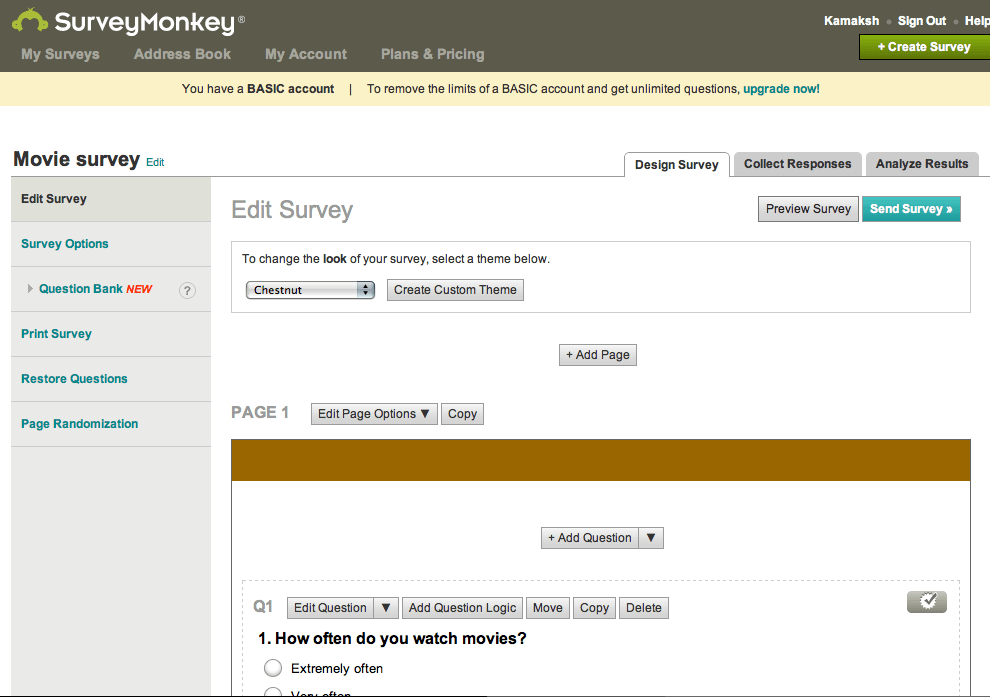
Survey monkey is one of the best and most popular tools available.
Our review:
It provides real time results. Important for very large sample size. You can even embed surveys on your web site. You can even customize the template to match the look & feel with your website. You can also send surveys via email and website pop ups, which is a unique feature. Survey monkey is used by many big brands and is considered one of the best survey tools around. It offers a great user-friendliness with a very neat and clean UI. It offers a nice Dashboard to manage your survey campaigns. There’s an analyze section which gives a nice analysis of your survey responses.<a href=” https://tatvic.com/google-analytics-implementation/”>Google Analytics Integration</a> is much easier with Survey monkey. There’s an app available in Google apps marketplace. Which easily integrates with you Google analytics account. You can gather very important insights about your surveys in Google Analytics using this app.
Overall, SurveyMonkey is highly recommended if you need to run a lot of surveys regularly. The highest plan $200 per month is also not a bad price for this product for large users.
-
- Survey gizmo
- Free plan limit:
- Surveys: Unlimited
- Questions: Unlimited
- Responses: 250
- All paid plans offer 14-day free trial. So if you are confident about the product, you can even go directly for the paid plan.Plans are from $19 to $159.Our review:
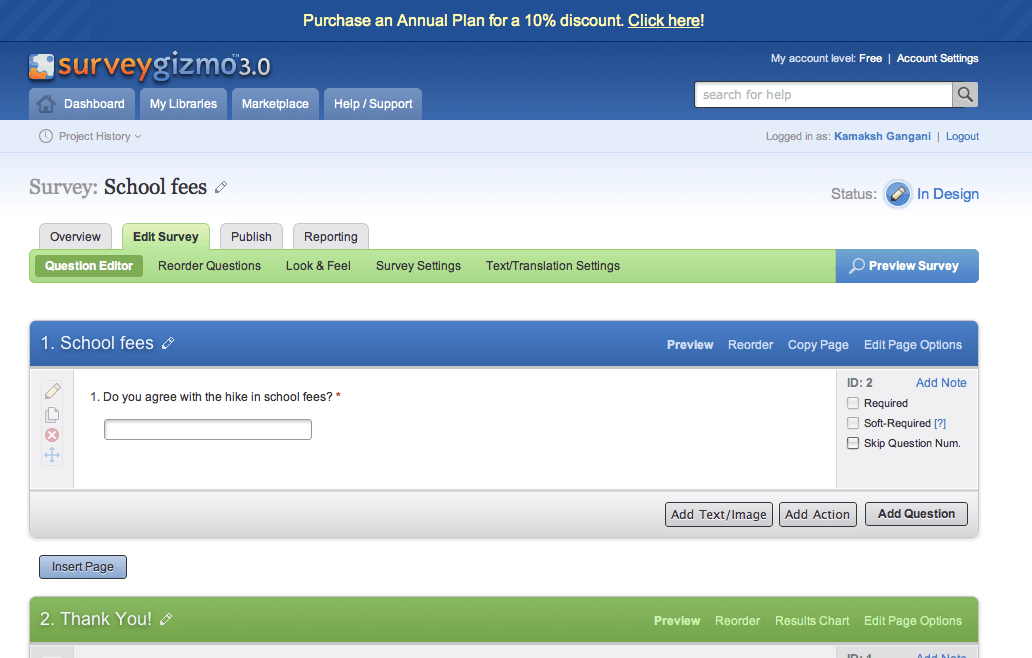
Survey gizmo has a very easy and user-friendly tool. Unlike other tools, you can create unlimited Surveys and ask unlimited questions. At only $19/month you can upgrade to unlimited responses. It’s the best part of this service. It offers a nice dashboard the moment you sign in, to easily manage your survey projects. There’s a smart thing they have done. When you click on Pricing, you can’t see a free plan.
They are hiding the free plan in the Features section. While you are creating the survey, it guides you throughout with examples making it easy even for first-timers. It has a fresh web 2.0 look and user-friendliness, which makes creating and managing surveys a treat. If you send a lot of surveys. With a cool look, it also delivers on the functionality. There’s no app available for Google Analytics implementation, but there’s an easy code pasting method to analyze your survey responses in Google Analytics. The $19 plan provides unlimited responses which is not a deal at all.
-
- Question Pro
- Free plan limit:
- Surveys: 1
- Questions: 10
- Responses: 100
Our review:
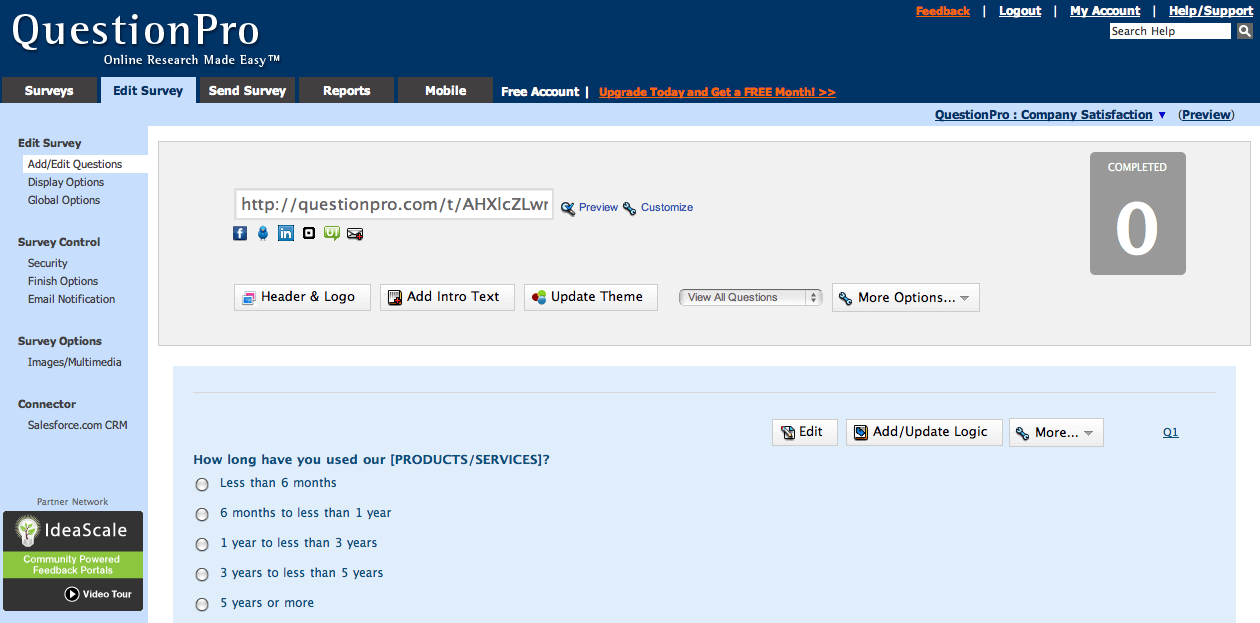
QuestionPro doesn’t live up to look and user-friendliness as much as the above 2 tools do, but it’s no less in terms of functionality. It offers a simple interface with lots of question types. It is also the cheapest tool available. In the $12.50 plan, you get unlimited surveys, questions, and responses. . It also offers Google Analytics integration.
If you are a non-profit organization, you get a license for free. Previously it offered unlimited responses in a free plan, now it offers only 100. QuestionPro’s paid plan is a perfect fit if you are a start-up or a small organization.
Summary:
All of these tools are great fit for different kind of needs. All of them offer Google Analytics integration.
SurveyMonkey is the best choice enterprise. Premium pricing with much more premium features. It offers web pop-up surveys which non of other do, provides 24×7 customer support, real-time responses, and lot many things. Offers great usability and simplicity in creating and managing surveys. It has a great analysis and reporting section, which is very unique among other tools.
Surveygizmo is a little moderate on pricing but still is a very nice choice for medium and even big organizations. It offers Facebook, Twitter, and Mailchimp integration in a free plan as well. Just pay $19 and you can get unlimited responses.
The questioner should be yours if you don’t want to pay $19 per month or are trying out a paid survey application. Pay $12 per month for unlimited responses. You can even go for a $99 plan for advanced features and support. Perfect for small budgets.


