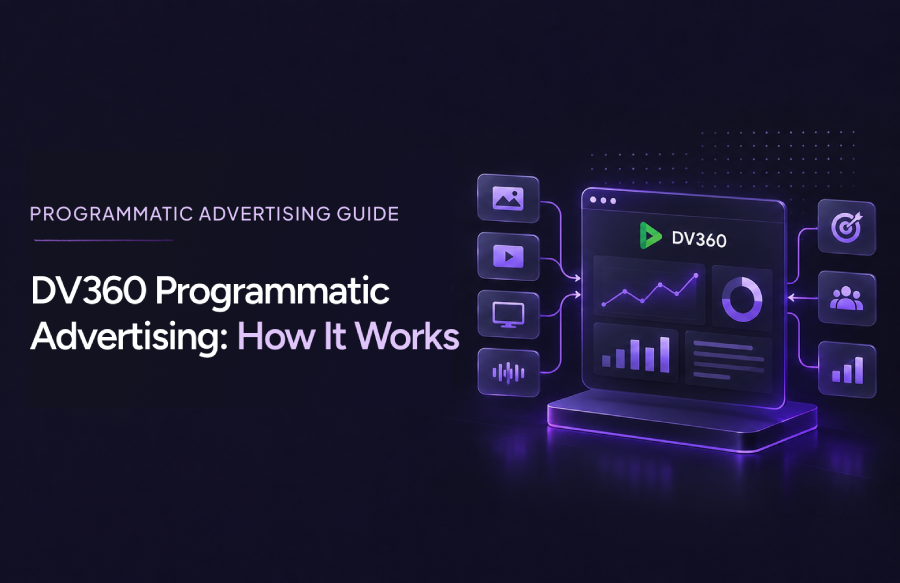
DV360 Programmatic Advertising
DV360 programmatic buying gives advertisers one platform to plan, bid on and measure ads across several channels. The platform alone does not guarantee results, though. Teams still need to choose the right audiences, inventory, formats and success metrics.
This guide explains how DV360 programmatic campaigns work and which campaign types you can run. It also covers best practices, common challenges and ways to get access. For a wider product overview, read Tatvic’s guide to Display & Video 360.
What Is Programmatic Advertising in DV360?
Programmatic advertising automates media buying through software. Advertisers bid on impressions as they become available, instead of negotiating each placement by hand. Targeting, budget and frequency rules guide every bid.
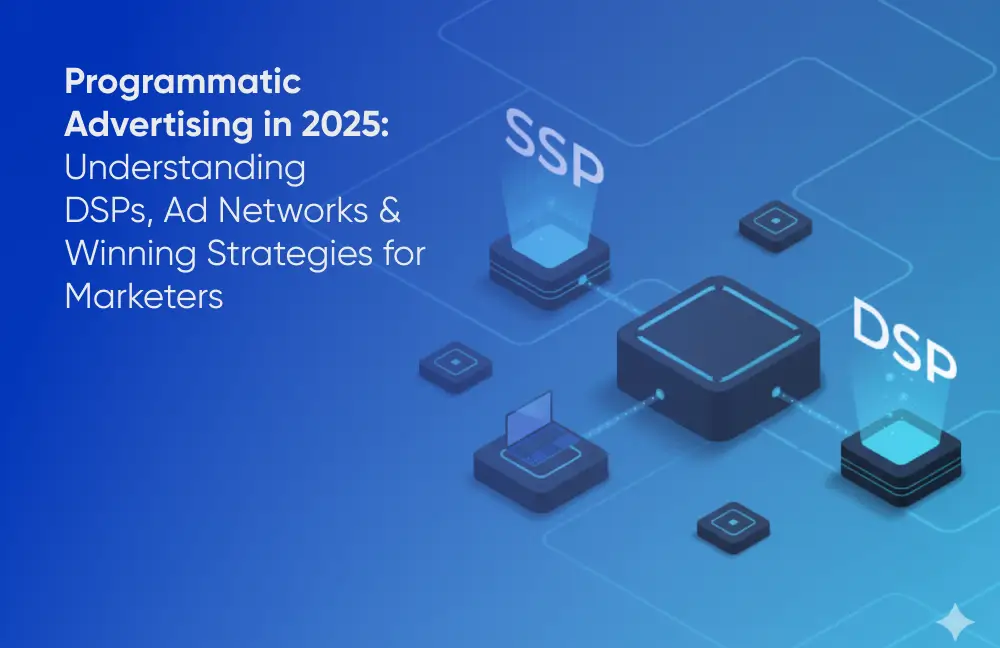
A demand-side platform (DSP) makes this possible. It connects to inventory sources, applies your targeting and bids on your behalf.
Display & Video 360 (DV360) is Google’s enterprise DSP. Advertisers use DV360 programmatic tools to manage campaigns, creatives, audiences and reporting from one interface.
Where DV360 Fits in the Ecosystem
Programmatic buying involves three main groups:
- Advertisers and agencies set goals, budgets and creatives inside the DSP.
- Exchanges and supply-side platforms connect the DSP to publisher inventory.
- Publishers sell ad space through open auctions or negotiated deals.
In a DV360 programmatic setup, the platform sits on the buy side. Its role is to decide which impressions deserve a bid.
How Does Programmatic Advertising Work in DV360?
A DV360 programmatic campaign follows a repeatable path from planning to measurement. The example below uses a hypothetical skincare brand launching a new serum.
A Step-by-Step Example
- Plan the objective. The brand wants first-time buyers. It sets a target cost per acquisition and a monthly budget.
- Choose audiences and inventory. The team targets in-market shoppers and past site visitors. It adds open-auction display inventory and a private deal with a beauty publisher.
- Set up the campaign. The team builds the advertiser, campaign, insertion order and line items. Creatives and conversion tags, such as Floodlight, are added here.
- Set bidding. An automated bid strategy is matched to the acquisition goal. Budget and pacing settings keep spend even.
- Deliver the ads. When a page loads, DV360 checks the impression against the targeting rules. If it fits, DV360 bids, and a winning bid serves the creative. Frequency caps limit repeat exposure.
- Measure and refine. Each week, the team reviews cost, conversions and placements. Weak sites are blocked, and stronger creatives receive more budget.
Timing matters at launch. According to Google’s line item guide, an activated line item can take up to 24 hours to start serving. Build that buffer into your plan.
What Types of Campaigns Can You Run With DV360?
DV360 organizes buying by line item type. Google’s help documentation lists display, video and audio types, plus an over-the-top type for connected TV. Availability can vary by market, inventory and account setup, so confirm what applies to your seat before planning.
Every DV360 programmatic campaign starts with a format choice:
- Display: Image, HTML5 and rich media ads suit awareness and remarketing.
- Video: Online video ads support storytelling and reach on desktop and mobile.
- Connected TV: These ads run on TV and streaming content. Google notes that such line items can only be created inside a Connected TV insertion order.
- Audio: Audio ads reach people in listening environments and can reinforce a video message.
DV360 Native Ads: Where They Fit
Native ads blend with the style of the page around them. In DV360, native creatives run under display line items, alongside image and HTML5 ads.
They suit content-led goals, such as promoting articles, guides or product stories. Check supported inventory before you commit budget, because native availability depends on the publisher and exchange.
Key DV360 Capabilities for Programmatic Campaigns
These capabilities shape most DV360 programmatic campaigns. Not every option applies to every campaign type or market, so review each one against your setup.
Audience Targeting
DV360 can combine first-party lists, Google audience segments and contextual signals. The mix depends on your data, consent setup and local policies.
Inventory Access
Advertisers can buy through open auctions or negotiate private deals and packages. Authorized-seller controls also help filter inventory by source quality.
Bidding and Optimization
Line items support fixed and automated bidding. Automated strategies optimize toward goals such as cost per action, within the options your campaign type allows.
Frequency, Creative and Reporting
Frequency caps limit how often one person sees your DV360 ads. Creative formats include image, HTML5, native, video and audio. Reports can be filtered by insertion order, line item or app and URL, which helps you audit where ads actually ran.
Not sure which controls fit your goals? Talk to Tatvic’s DV360 team about mapping them to your campaign.
DV360 vs. Traditional Digital Ad Buying
DV360 programmatic buying differs from manual placements and platform-based buying in four areas.
| Area | Manually negotiated placements | Platform-based buying | DV360 programmatic |
| Inventory access | Specific publishers, negotiated one by one | The platform’s own supported inventory | Multiple exchanges and private deals in one interface |
| Automation | Low; orders and trafficking are largely manual | Automated bidding within the platform | Automated or fixed bidding across line items |
| Control | High placement control, limited scale | Simpler setup, fewer inventory levers | Granular targeting, frequency and inventory settings |
| Measurement | Publisher-provided reports | The platform’s own reporting | Consolidated reporting, once tracking is set up well |
No approach is always better. Direct placements suit a single premium publisher. Simpler platforms often fit smaller budgets or search-led goals. For a deeper comparison, read Tatvic’s DV360 vs. Google Ads breakdown.
DV360 Programmatic Advertising Best Practices
Strong DV360 programmatic results usually come from process, not features. These habits help you plan well and improve after launch.
Set Up Before Launch
- Define clear objectives. Choose one primary goal per campaign, such as acquisition or reach.
- Build a layered audience strategy. Test first-party and third-party audiences against each other.
- Check inventory quality. Review placements early, and exclude sites that do not fit your brand.
- Set frequency caps. Limit repeat exposure before it turns into wasted spend.
Improve After Launch
- Test creatives. Run several formats and messages, then keep what earns results.
- Confirm conversion measurement. Validate tags before you scale budget. Tatvic’s measurement and attribution solutions can help audit your setup.
- Review performance regularly. Schedule weekly checks on audiences, placements and pacing.
Common DV360 Campaign Challenges
Most DV360 programmatic problems trace back to a few repeat causes. Each one has a practical fix.
| Challenge | Practical consideration |
| Poor tracking | Validate conversion tags before launch, and recheck them after site changes. |
| Fragmented reporting | Use consistent naming conventions and one shared reporting view. |
| Unsuitable inventory | Review placement reports and block sites that do not fit. |
| Weak creative performance | Test formats and messages in small batches before scaling. |
| Audience limitations | Layer or broaden audiences when volume is low, within your data permissions. |
| Inefficient budget allocation | Shift budget toward line items that meet your KPI, based on regular reviews. |
How to Get Started With DV360
Four things should be in place before you launch DV360 programmatic campaigns:
- Account access: A seat, either contracted directly with Google or through an authorized partner.
- Campaign expertise: People who can build, traffic and optimize campaigns.
- Measurement readiness: Tested conversion tags and agreed KPIs.
- Budget planning: A realistic budget for each channel and testing phase.
Partner-Seat Access
Eligible advertisers and agencies can also use partner-seat access. Tatvic is an authorized Display & Video 360 sales partner, and its offering comes with expert guidance from setup to optimization.
Terms and eligibility vary, so check what fits your team. You can read more about DV360 partner-seat access on Tatvic’s service page.
Explore DV360 Access With Tatvic
Choosing a platform is easier when you can test it with expert support. Tatvic’s DV360 partner-seat access lets eligible advertisers and agencies run campaigns directly, with guidance from setup to optimization.
Whether you plan DV360 programmatic campaigns in-house or through an agency, we can help you assess readiness. Share your goals, and our team will suggest a practical starting point.